
Jira and Confluence for product and project roles
A practical tool course for people who join a team that runs on Jira and Confluence. Covers the new words (spaces and work items), the Free plan and its limits, Scrum and Kanban boards, the backlog and sprints, workflows, JQL filters, Confluence pages and templates, linking the two, Rovo AI, data residency and the free Atlassian certificates.
26 min · 12 pages · practice task · quiz · part of Product manager
Sponsor this courseWhat you will be able to do
Skills you add to your Herizon profile when you finish: JIRA, Confluence, Backlog Management.
- The new words: spaces instead of projects, work items instead of issues
- What the Free plan includes, and why an unused free site can be switched off
- Scrum and Kanban boards, the backlog and sprints
- Workflows, statuses and the basics of JQL filters
- Confluence pages, spaces and templates, and how to link them to Jira
- What Rovo AI needs, where your data is stored, and the free Atlassian learning and certificates
The situation you work through
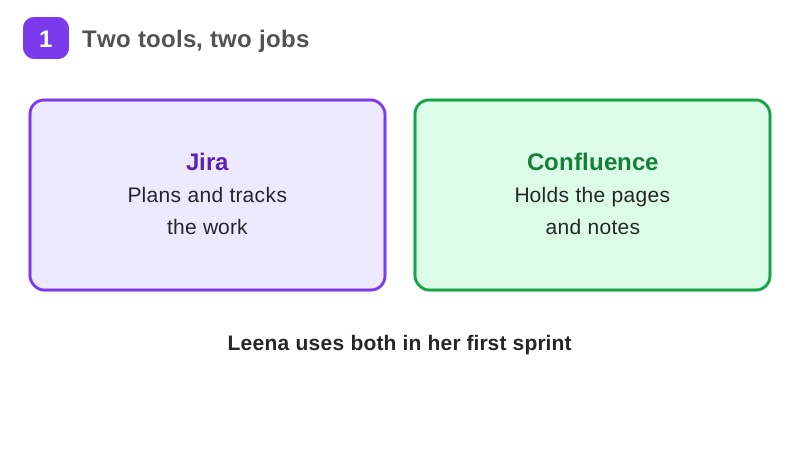
Leena, a made-up junior project coordinator at a made-up Helsinki software company, runs her first sprint: she sets up a Jira space for the customer portal team, plans the backlog, writes the meeting notes in Confluence and links the two.
Your practice task
Build Leena's setup on your own free Atlassian site with your own made-up or real small project. Create a Scrum space with 8 work items in its backlog, ranked, with a work type on each. Plan one sprint with the top 5 items and do not start it unless you know the start label on your site. Save one JQL filter on your space and say what it shows. Create a Confluence meeting-notes page from a template, list the sprint's work items on it by key and link, and put the page link in a comment on one of those work items. Name one free Atlassian certificate or learning path you will do and when. Submit a short description of the space and its 8 work items, the sprint, the JQL text and its result, the page and how the two are linked, which words your site shows (space or project, work item or issue), and one thing that went wrong when you checked it and what you changed. Do not put real personal data on the site.
What is inside
- Jira, Confluence and the new words
- The Free plan and its limits
- Your first space and work items
- Scrum and Kanban boards
- The backlog and sprints
- Workflows and statuses
and 6 more pages
Finish with a short quiz to earn your certificate.
More in Product manager
- Product management essentials42 min · 11 pages
- Project management essentials32 min · 11 pages
- Agile and Scrum in practice19 min · 7 pages
- UX design fundamentals37 min · 12 pages
- Figma basics for UX and product roles25 min · 10 pages
- Linear for product and engineering teams21 min · 10 pages