
Linear for product and engineering teams
Linear for product and engineering teams is a free, beginner online course from Herizon.
A practical course for people who join a product team that runs on Linear. Covers issues, triage, cycles, projects, saved views, the keyboard workflow, GitHub and Slack, Linear Agent and AI credits, plans and the EU data region.
You finish with Issue Tracking, Bug Tracking and Sprint Planning added to your Herizon profile.
Free · 21 min read · certificate when you pass the quiz · part of Product manager · last updated 9 November 2026
Free account, about two minutes. You can join if you live in the EU, EEA, UK or Switzerland, or a partner organisation invited you.
Already have an account? Open it in the portalA look inside the course
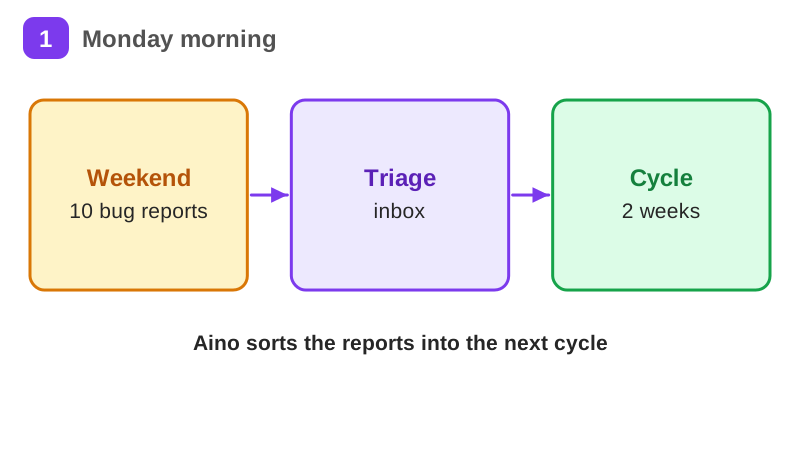
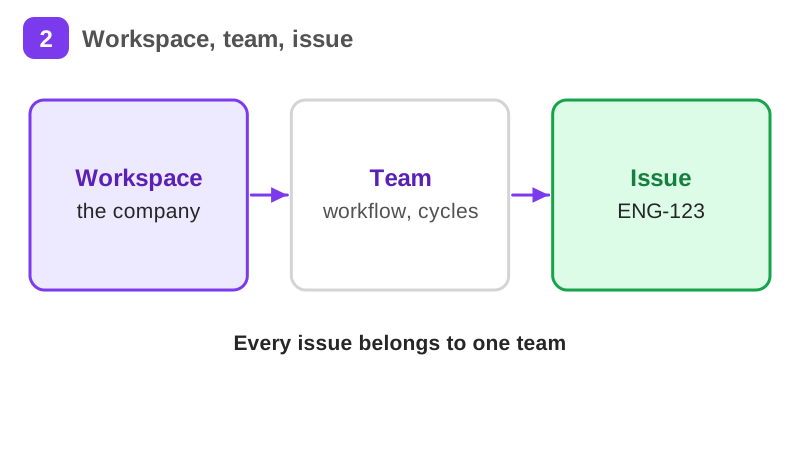
Aino is a made-up product operations assistant. On Monday she starts at a small Helsinki startup. The product team of 5 tracks all its work in Linear, and Joonas, the team lead, has one job for her first week: go through the 10 bug reports that arrived over the weekend and get the real ones into the team's next cycle.
It takes about 21 min of reading, plus exercises, a short quiz and a practice task. It teaches Issue Tracking, Bug Tracking and Sprint Planning. Pass the short quiz at the end to get a certificate.
What you will be able to do
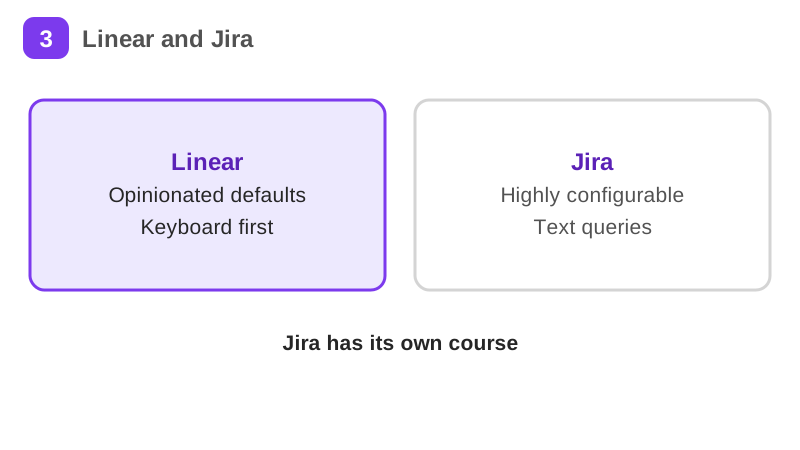
- What Linear is, who uses it and how it differs from Jira
- Issues, statuses and priorities
- Triage, cycles and projects
- Saved views and the keyboard shortcuts that make Linear fast
- GitHub and Slack integrations
- Linear Agent, AI credits and what to keep out of issues
- Plans, the free limits, the EU data region and privacy
The situation you work through
Aino, a made-up product operations assistant at a small Helsinki startup, triages 10 weekend bug reports in Linear and puts the real ones into the product team's next 2-week cycle.
Your practice task
Build Aino's week in a free Linear workspace of your own. Create one team with the European Union data region, enable Triage and Cycles, and create 10 made-up customer bug reports. Triage them: accept 7, mark 2 as duplicates, decline 1. Move the 7 accepted issues into a 2-week cycle with priorities. Create one project and set a target date if your form offers one, save one view of the open issues in the current cycle, and describe a GitHub or Slack integration (or connect it if you have a repository). Submit a short description of the triage decisions and why, the cycle and the project, the saved view and its filter, the integration, and one thing that went wrong when you checked and what you changed.
Key topics
- What Linear is and who uses it
- Issues and the team workflow
- Triage: sorting what comes in
- Cycles: the team's rhythm
- Projects: work around one outcome
- Views, filters and the keyboard
and 4 more pages
What you get when you pass
A certificate with your name, the course and the date. Sharing it is your choice. If you share it, it has a public link that anyone can open to check it, and you can add it to LinkedIn.
Common questions about Linear for product and engineering teams
- Is Linear for product and engineering teams free?
- Yes. The course is free with a Herizon account, and the account is free too.
- How long does Linear for product and engineering teams take?
- It takes about 21 min of reading, plus exercises, a short quiz and a practice task. You can stop and continue later, because the portal keeps your place.
- Do I get a certificate?
- Yes. Pass the short quiz at the end to get a certificate you can share, for example on LinkedIn.
- What do I need to start?
- A free Herizon account. The course is written at beginner level.
- Who can join Herizon?
- You can join if you live in the EU, EEA, UK or Switzerland, or a partner organisation invited you.
Start Linear for product and engineering teams free
Start this course freeCommon questions about Linear for product and engineering teams
- Is Linear for product and engineering teams free?
- Yes. The course is free with a Herizon account, and the account is free too.
- How long does Linear for product and engineering teams take?
- It takes about 21 min of reading, plus exercises, a short quiz and a practice task. You can stop and continue later, because the portal keeps your place.
- Do I get a certificate?
- Yes. Pass the short quiz at the end to get a certificate you can share, for example on LinkedIn.
- What do I need to start?
- A free Herizon account. The course is written at beginner level.
- Who can join Herizon?
- You can join if you live in the EU, EEA, UK or Switzerland, or a partner organisation invited you.
More in Product manager
- Product management essentials42 min · 11 pages
- Project management essentials33 min · 10 pages
- Agile and Scrum in practice19 min · 7 pages
- UX design fundamentals37 min · 12 pages
- Figma basics for UX and product roles25 min · 10 pages
- Jira and Confluence for product and project roles26 min · 12 pages
- Leading a team for the first time33 min · 11 pages