
Getting started with Claude
A practical course for professionals who want to use Claude effectively in their daily work. Covers Claude chat, Cowork, and Claude Code.
31 min · 16 pages · practice task · quiz · part of Work with AI
Sponsor this courseWhat you will be able to do
Skills you add to your Herizon profile when you finish: Claude, AI for Productivity.
- How to write prompts that give a useful first draft
- How to attach documents and have Claude compare, summarize or extract information
- How to use projects to give Claude files and instructions that stay between chats
- How to hand a longer task to Cowork and check what comes back
- What Claude Code is and whether you need it
- How to check Claude's facts before you repeat them
Who it is for
Working professionals who want to use Claude in a real task. No technical background required. The course is designed for the Herizon community of international professionals in Finland, and the skills apply everywhere.
The situation you work through
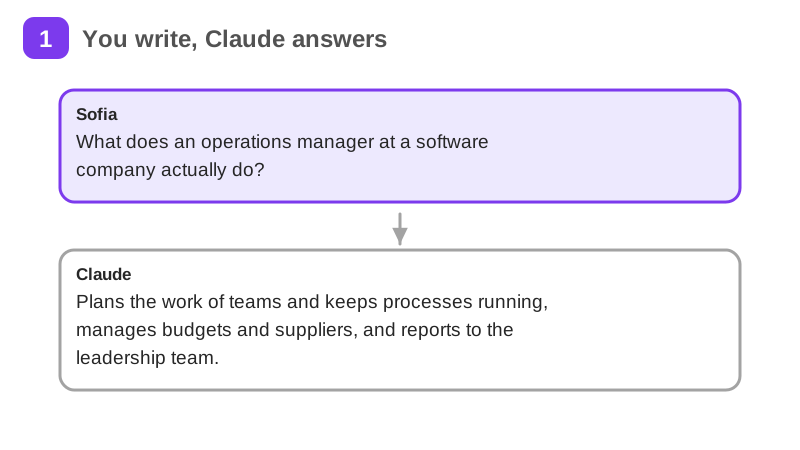
Sofia Andrade, a made-up operations coordinator in Helsinki, applies for one operations manager job at Polku Labs and uses chat, a project and Cowork through one week.
Your practice task
Run Sofia's week on one real job ad you would apply for. Make a one page log with four parts: a table of the ad's requirements marked covered or gap against your CV, the exact prompt you used for the cover letter and the final letter, a list of the facts Claude gave you about the employer each marked right or wrong with the source you checked, and a short note on what Claude said was weak in your interview answers and what you changed. Submit the log as evidence.
What is inside
- What Claude is
- Your first real conversation
- Working with files and documents
- Writing prompts that work
- Using projects for ongoing work
- Claude for your daily work
and 10 more pages
Finish with a short quiz to earn your certificate.
More in Work with AI
- Understanding AI49 min · 15 pages
- Using AI responsibly at work24 min · 10 pages
- No-code automation with n8n35 min · 11 pages
- Using Grok for work and the job search22 min · 10 pages
- Grok Bot: an AI teammate that works while you don't26 min · 11 pages
- Working with AI agents: dots, Muse and Grok Bot25 min · 11 pages
- Notion for teams and your job search29 min · 11 pages
- ChatGPT at work25 min · 12 pages
- Gemini Notebook: research from your own sources20 min · 10 pages
- Microsoft Copilot at work21 min · 10 pages
- Granola: AI meeting notes without a bot29 min · 12 pages
- Mistral Vibe (formerly Le Chat): an EU-based AI assistant24 min · 11 pages