
Supabase: build a backend without backend code
Learn how to use Supabase to add a database, authentication, file storage, and realtime features to your app, all without writing backend code.
43 min · 11 pages · practice task · quiz · part of Technical founder
Sponsor this courseWhat you will be able to do
Skills you add to your Herizon profile when you finish: Supabase, Backend Development.
- A Supabase project with a table that belongs to its users
- Row-level security rules you have tested with two accounts
- Sign-in working from your own frontend
- A clear rule for which key goes where
- A short checklist to run before you share the link
The situation you work through
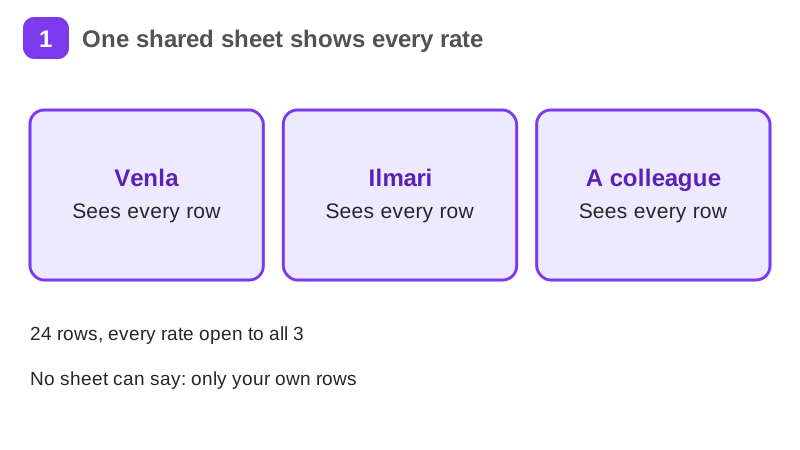
Venla, a freelance translator in Tampere, turns a shared spreadsheet of translation jobs into one small app on Supabase: a database, sign-in and row-level security first, then private files, live updates and one server function.
Your practice task
Build one small app of your own on Supabase: a table whose rows belong to the signed-in person, with sign-in and row-level security policies for select, insert, update and delete. Test it with two accounts and keep the secret key out of the browser. Submit your schema.sql with the table and policies, a short note of your two-account test, and one paragraph on what the app does, which key goes where and your next step.
What is inside
- What Supabase is and why Venla uses it
- Create the project and connect the app
- The jobs table: columns, types and SQL
- Row-level security: the rules that keep rows apart
- Authentication: sign-up, log-in and the session
- Querying data from the app
and 5 more pages
Finish with a short quiz to earn your certificate.
More in Technical founder
- Vibe coding: build a small app with an AI coding tool27 min · 12 pages
- Building apps with Lovable26 min · 10 pages
- Git & GitHub for beginners38 min · 11 pages
- Getting started with Claude Code30 min · 15 pages
- Web development fundamentals50 min · 11 pages
- API fundamentals49 min · 11 pages
- AI engineering fundamentals58 min · 12 pages
- Vercel: deploy and ship fast26 min · 11 pages
- Cloud fundamentals31 min · 11 pages
- Cybersecurity fundamentals37 min · 11 pages
- Build your own bot with the Grok API36 min · 11 pages
- AI coding assistants: GitHub Copilot and OpenAI Codex22 min · 11 pages
- Take payments with Stripe29 min · 11 pages
- Cloudflare for small projects: domains, DNS and Workers25 min · 10 pages
- Build apps with v0 and Bolt37 min · 11 pages