
Vercel: deploy and ship fast
Learn how to deploy web applications with Vercel, step by step: connect GitHub, deploy, keep secrets out of your code, get a preview for every change, add a custom domain, run serverless routes and middleware, read logs when a build fails, and release with a rollback ready.
26 min · 11 pages · practice task · quiz · part of Technical founder
Sponsor this courseWhat you will be able to do
Skills you add to your Herizon profile when you finish: Vercel, Web Deployment.
- A web app of your own, deployed from GitHub to a live link
- Secrets kept out of your code and set per environment
- A preview link for every change before it goes live
- Your own domain with HTTPS, if you own one
- A calm routine for a failed build or a bad release
Who it is for
Time per page: 15 to 30 minutes Whole course: 4 to 5 hours (11 pages, at your own speed) This is for you if you are: - A developer or student with an app that only runs on your laptop - A founder or freelancer who needs a client site live this week - Changing career and building a project to show You need a GitHub account and a small web app. Basic Git (commit, push, branch) helps. A domain you own is optional. ---
The situation you work through
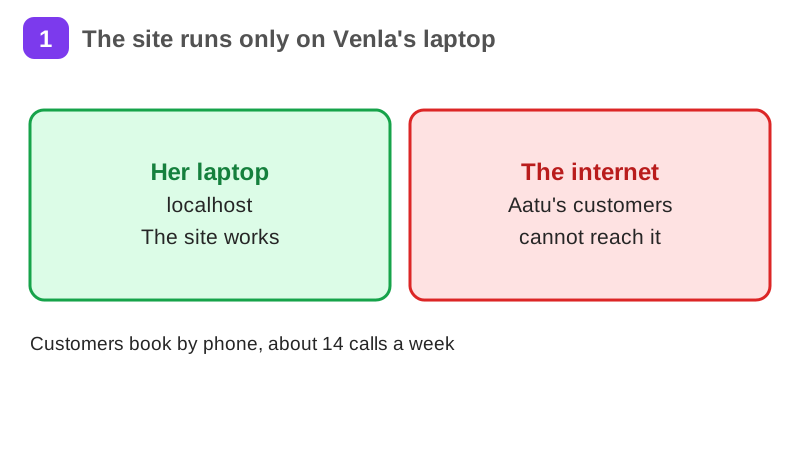
Venla, a freelance developer in Tampere, deploys one booking site for her cousin's bike repair shop from GitHub to Vercel: a first deploy, three environment variables, a preview, a custom domain and one failed build that she fixes from the log.
Your practice task
Deploy one small app of your own from GitHub to Vercel. Add an environment variable, change the app on a branch and check its preview link, then break a build on purpose and fix it from the build log. Submit the live link, the names (never the values) of your environment variables, and three sentences on what the failed build said, how you fixed it and your next step.
What is inside
- What is Vercel and why use it
- Creating an account and connecting GitHub
- Deploying your first project
- Environment variables and project settings
- Custom domains and DNS setup
- Preview deployments and branching workflow
and 5 more pages
Finish with a short quiz to earn your certificate.
More in Technical founder
- Vibe coding: build a small app with an AI coding tool27 min · 12 pages
- Building apps with Lovable26 min · 10 pages
- Git & GitHub for beginners38 min · 11 pages
- Getting started with Claude Code30 min · 15 pages
- Web development fundamentals50 min · 11 pages
- API fundamentals49 min · 11 pages
- AI engineering fundamentals58 min · 12 pages
- Supabase: build a backend without backend code43 min · 11 pages
- Cloud fundamentals31 min · 11 pages
- Cybersecurity fundamentals37 min · 11 pages
- Build your own bot with the Grok API36 min · 11 pages
- AI coding assistants: GitHub Copilot and OpenAI Codex22 min · 11 pages
- Take payments with Stripe29 min · 11 pages
- Cloudflare for small projects: domains, DNS and Workers25 min · 10 pages
- Build apps with v0 and Bolt37 min · 11 pages